Extention 에서 live server를 찾아서 설치함.
파일을 선택하고실행하면 해당 파일 기준으로 실행됨. 5500Port로 실행됨. 변경하고 싶을 경우 아래 경로에서 변경
{
    "editor.fontSize": 18,
    "workbench.iconTheme": "vscode-icons",
    "files.autoSave": "onFocusChange",
    "terminal.integrated.shell.windows": "C:\\Windows\\System32\\WindowsPowerShell\\v1.0\\powershell.exe",
    "explorer.confirmDelete": false,
    "editor.tabCompletion": "on",
    "editor.tabSize": 2,
    "vetur.format.options.useTabs": true,
    "editor.detectIndentation": false,
    "git.autofetch": false,
    "liveServer.settings.host": "localhost",
    "liveServer.settings.port": 0,

}
여기서 수정할 경우 모든 프로젝트에 영향이 있을듯 함. 따라서 .
현재 프로젝트의 .vscode.settings.json에서 아래와 같이 추가해 줌.
루트도 같이 설정해 줌.
{
"java.compile.nullAnalysis.mode": "disabled",
"liveServer.settings.port":5000,
"liveServer.settings.root": "/src/main/resources/static"
}
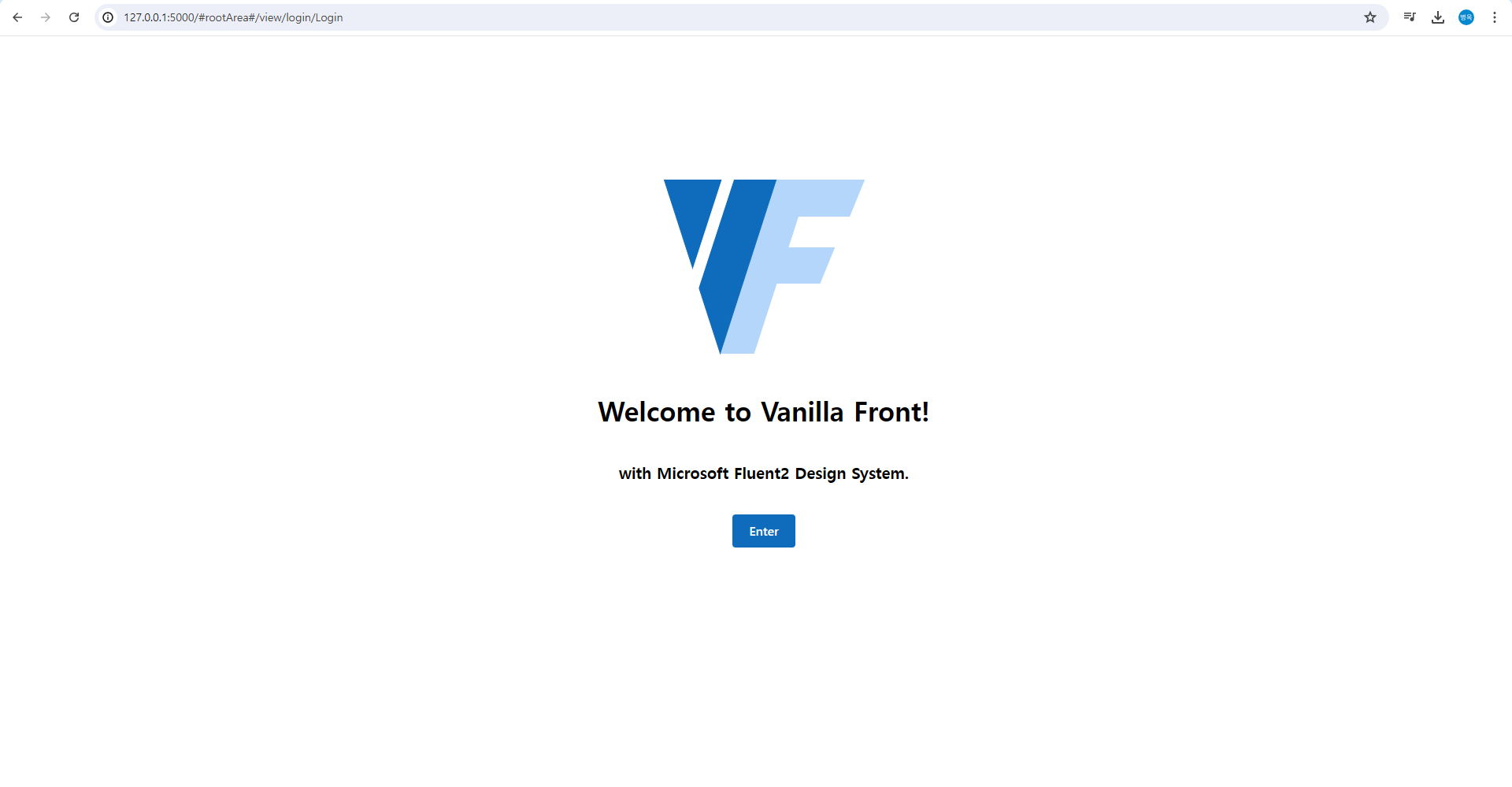
Liver Server를 실행시켜보자... 잘동작한다.